
Generate AI Videos with HappyHorse 1.0
Create short AI videos from text or images for products, social clips, and storyboards.


What HappyHorse 1.0 Covers
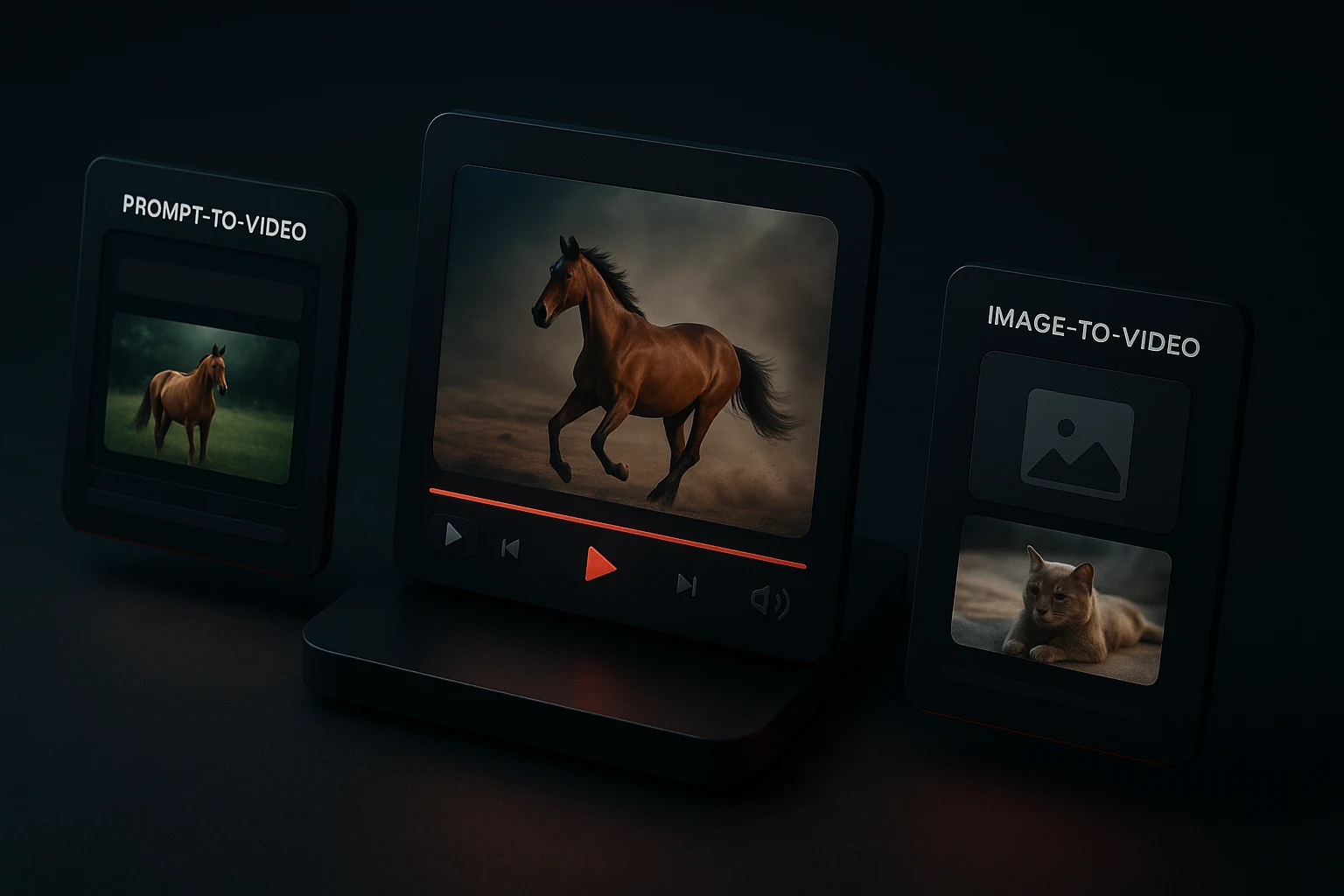
HappyHorse is built for the highest-intent AI video jobs: prompt-to-video generation, image-to-video animation, and repeatable short-form creative production.
Text to video AI generation
Turn a detailed prompt into a short cinematic clip when you want to explore a scene from scratch.
Image to video AI animation
Upload a still image or reference frame when composition, product angle, or character framing matters.
Cinematic short-form output
Create AI video clips that fit product teasers, vertical social edits, mood films, and concept videos.
Visible AI video pricing
Keep monthly AI video costs predictable with clear credits and simple free, Studio, and Pro plans.
AI Video Use Cases with Strong Search Intent
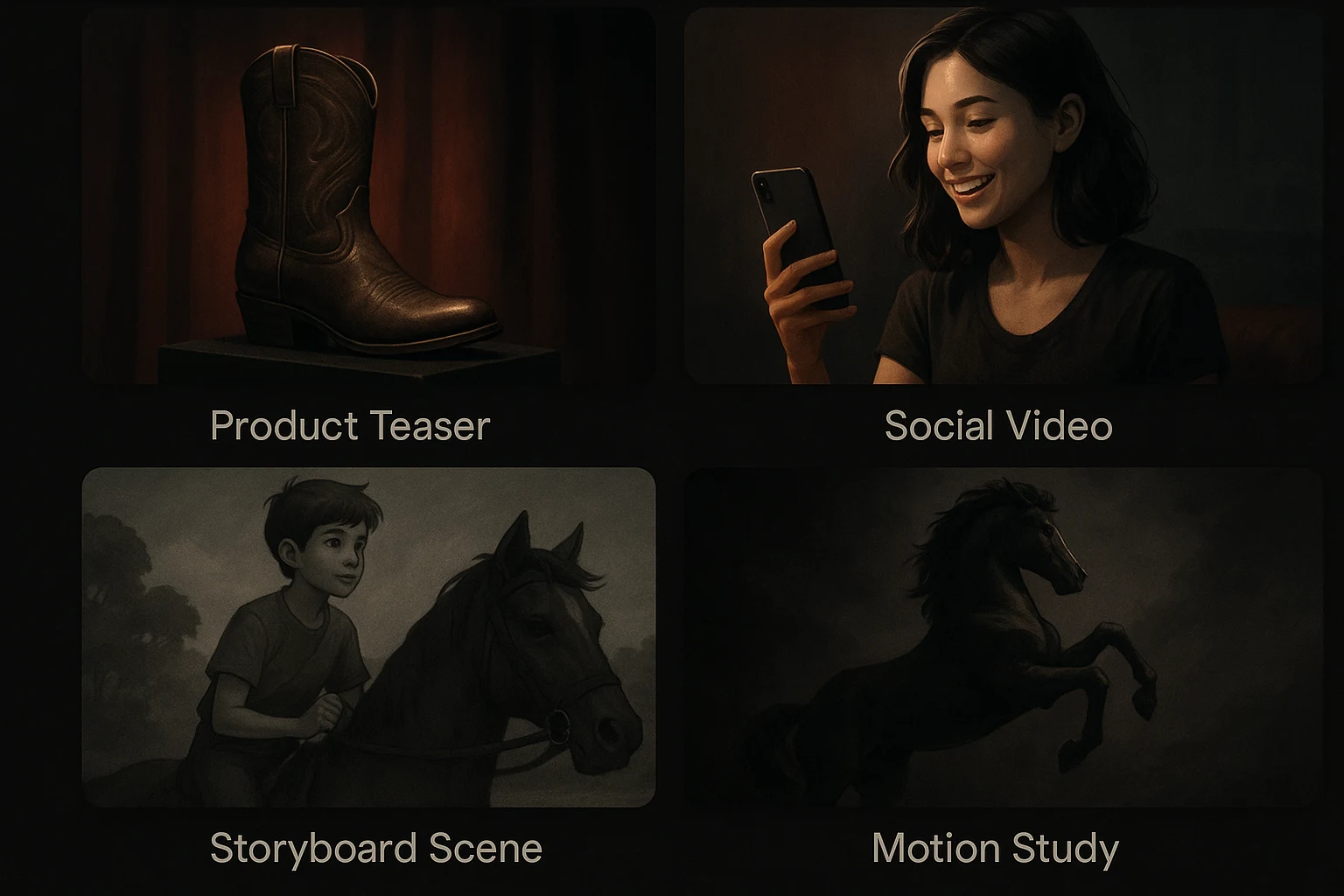
HappyHorse is optimized for practical video use cases that map to common high-intent searches around AI video generation.
AI product teaser videos
Animate product shots, packaging stills, or concept frames into short clips for landing pages, launches, and ecommerce creative.
Social media AI videos
Create short-form AI video content for Reels, Shorts, TikTok-style cuts, and paid social creative in common aspect ratios.
Storyboard and concept videos
Use text-to-video to rough out scenes quickly before full production, client review, or creative signoff.
Image-to-video motion studies
Start from a hero frame, key visual, or moodboard image and animate it into a more polished concept clip.
Why Choose HappyHorse as Your AI Video Generator
The product is intentionally narrow so you can move from idea to output faster without a bloated model directory.
When to Use Text to Video vs Image to Video
Matching the right AI video workflow to the job improves output quality and reduces wasted credits.
How to Generate AI Videos with HappyHorse
A practical text-to-video and image-to-video workflow for creators, marketers, and founders.
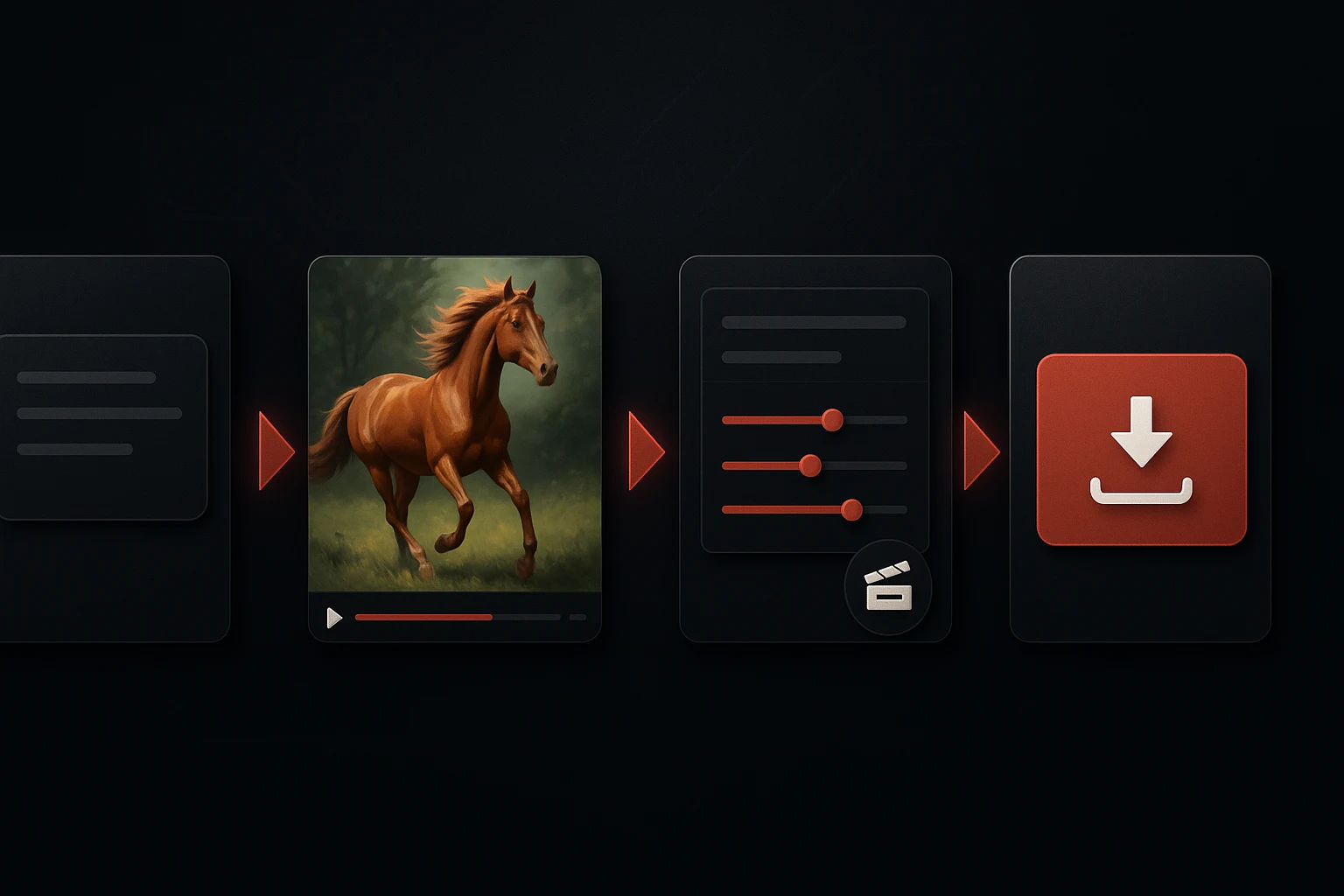
Start with a direct video prompt
Describe the subject, action, setting, lighting, camera angle, and mood you want the AI video generator to produce.
Add a reference image when needed
Upload a still image when you want image-to-video control for composition, product framing, or visual continuity.
Choose the right aspect ratio and settings
Prepare the clip for landscape, square, or vertical publishing so the output fits the platform you care about.
Review, refine, and export
Iterate on prompt wording, motion direction, and framing until the clip is ready for social, product, or concept use.
How to Write Better Text-to-Video and Image-to-Video Prompts
Prompt quality is one of the biggest levers for better AI video results, so the landing page now covers the terms people actually search for.
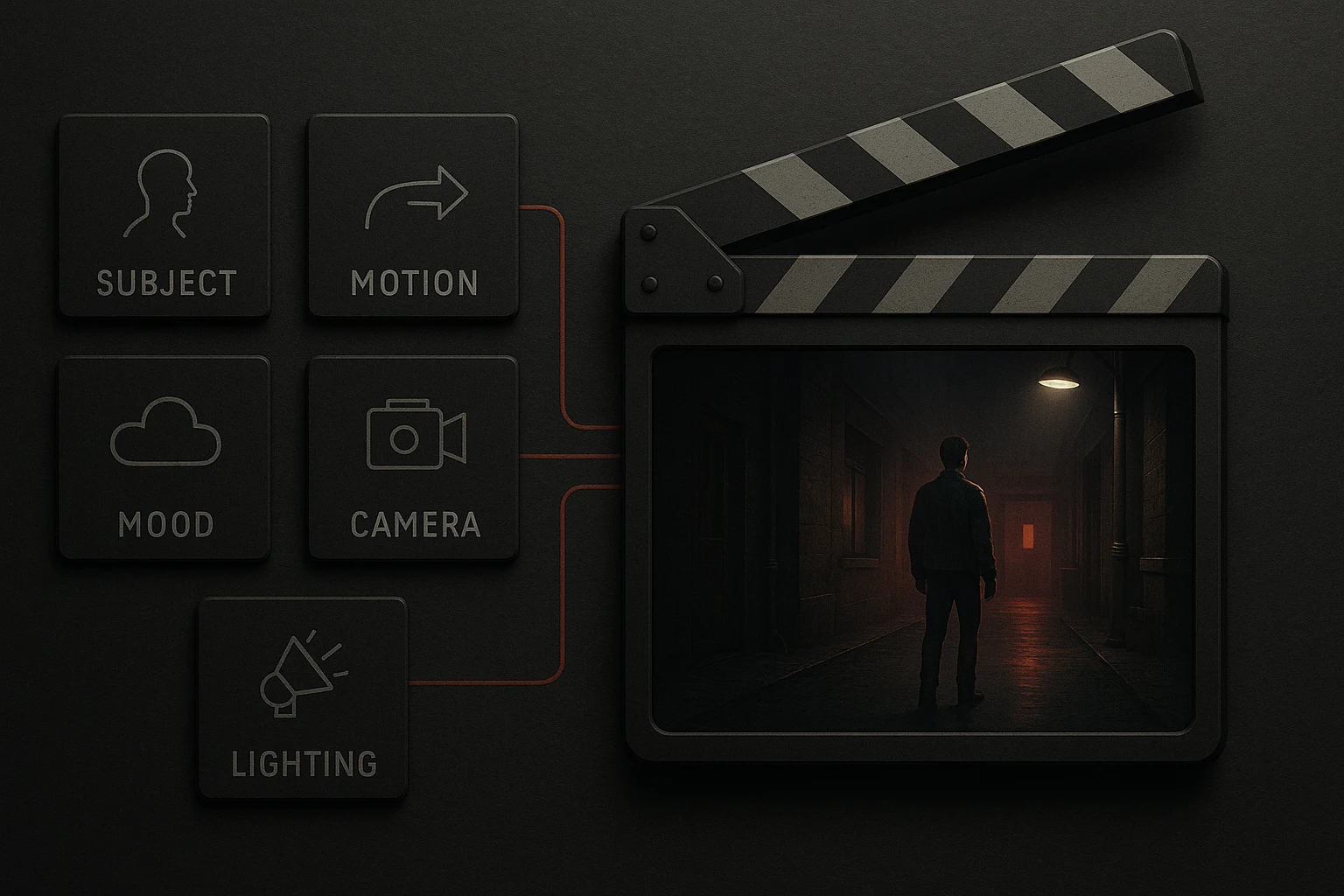
Describe the subject and action clearly
Start with who or what is in the scene, then describe the core motion or action in direct language.
Add camera movement and framing
Use simple cinematic instructions like close-up, wide shot, slow zoom, pan left, tracking shot, or handheld feel.
Define style, lighting, and mood
Mention visual style, time of day, color palette, realism level, and atmosphere so the model has clearer creative direction.
Keep image-to-video prompts focused on motion
When you already have a reference image, spend more of the prompt budget describing movement, timing, and camera behavior instead of re-describing the frame.
Core HappyHorse AI Video Features
Everything needed for a focused AI video generator workflow centered on text prompts, reference images, and short-form output.
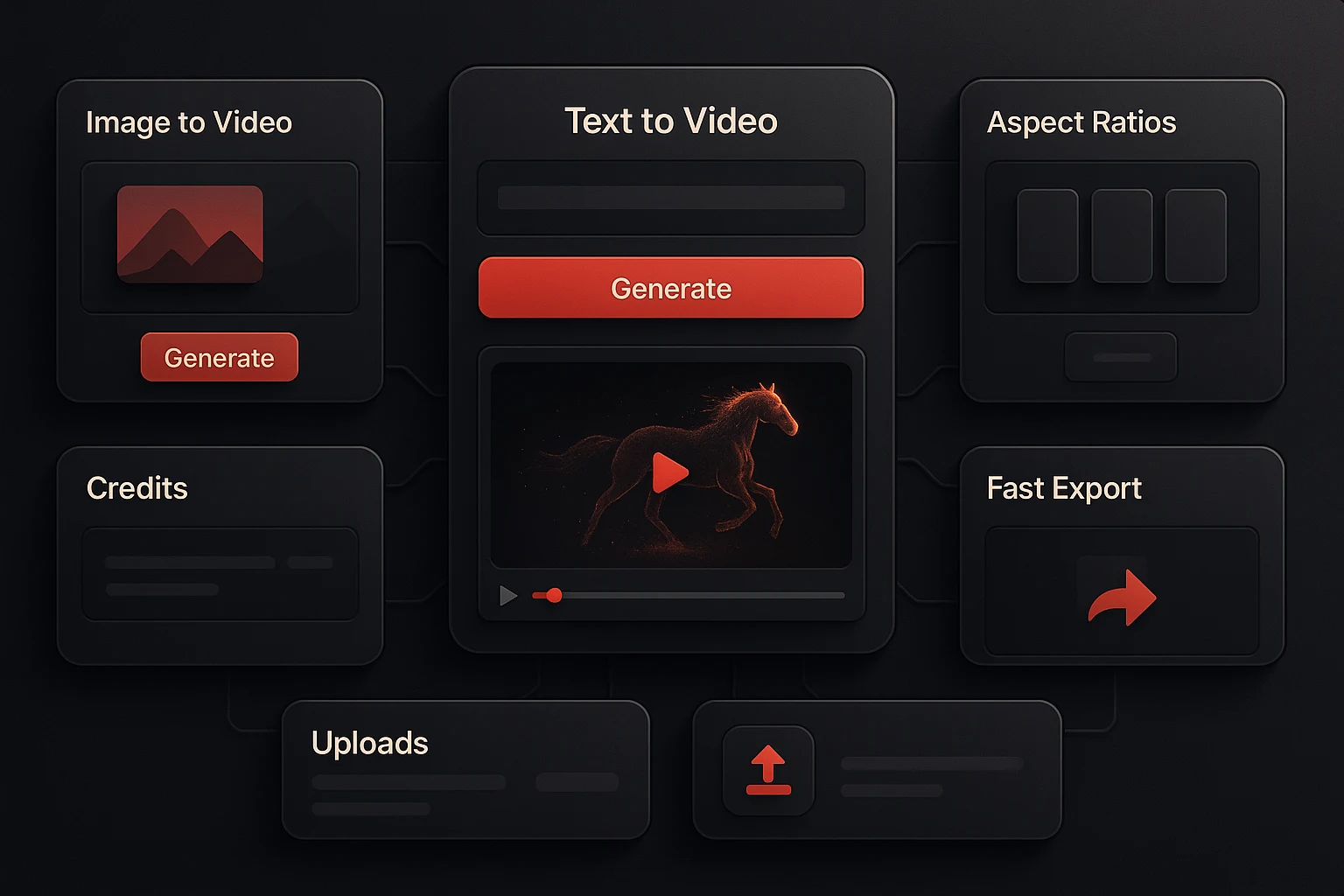
Text-to-video generation
Turn prompts into short AI videos for concept scenes, social clips, and marketing creative.
Image-to-video animation
Animate product shots, illustrations, and keyframes when the first frame needs stronger control.
Aspect ratio presets
Publish AI video in formats that fit landing pages, social feeds, and common short-form channels.
Visible credit meter
See cost and remaining balance without guessing what each AI video generation will consume.
Reference uploads
Use image inputs to anchor motion studies, brand visuals, and product-focused scenes.
Fast production-ready workflow
Go from prompt to downloadable clip quickly, then move the output into ads, product pages, and presentations.
Practical AI Video Workflow Facts
These are the core product realities behind the HappyHorse launch surface.
2 core workflows Text to video and image to video
Text to video and image to video
3 launch plans Free, Studio, and Pro
Free, Studio, and Pro
3 common output formats Landscape, square, and vertical-ready video presets
Landscape, square, and vertical-ready video presets
FAQ for AI Video Searchers
Answers to common questions around AI video generators, text-to-video, image-to-video, prompts, and pricing.
Start Generating AI Videos with HappyHorse
Try text-to-video and image-to-video in one focused workflow, then scale into Studio or Pro when AI video becomes part of your weekly production loop.
